


01
Connect QuickBooks Online.
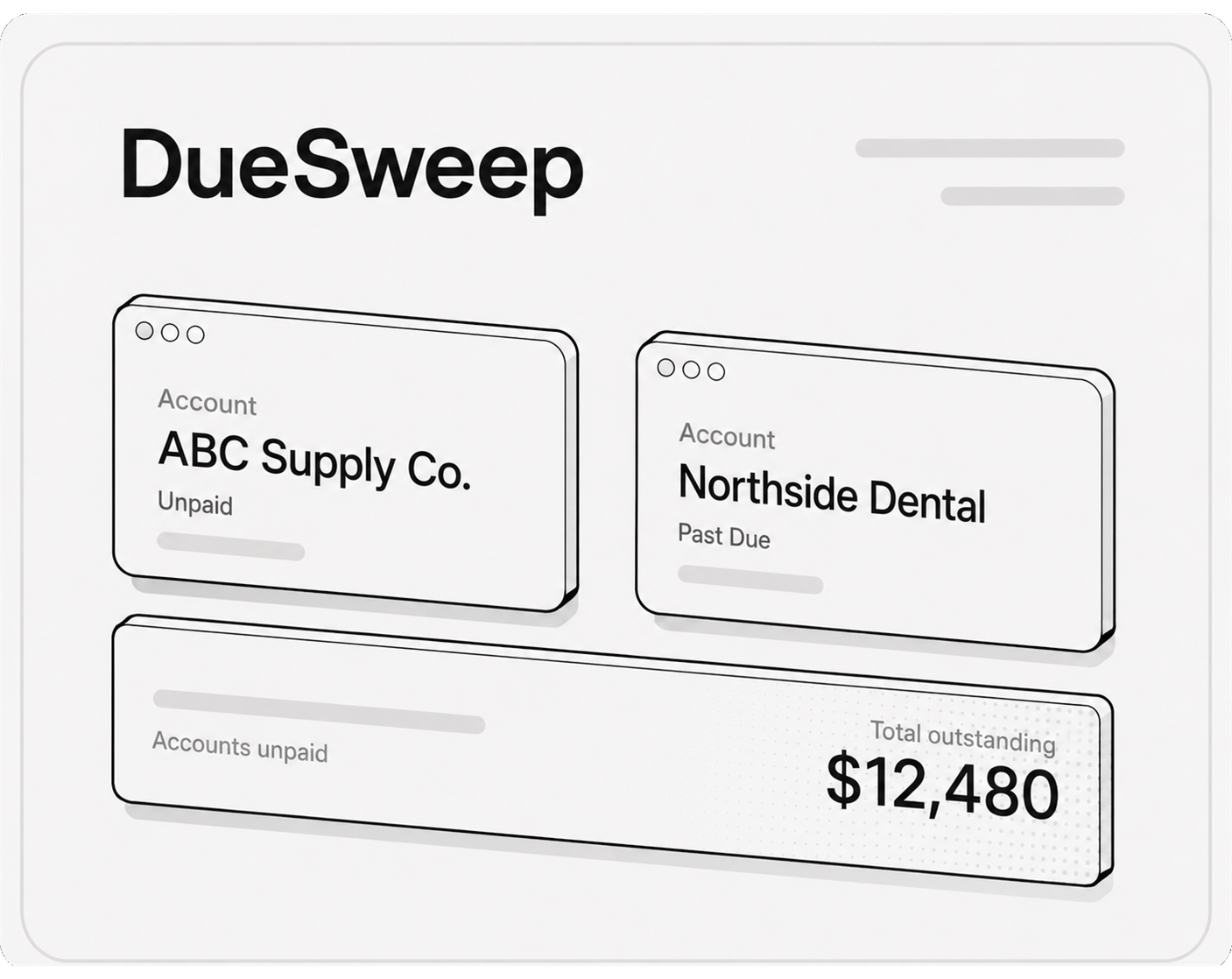
Sync your invoices, customers, due dates, and balances automatically. DueSweep keeps track of who has not paid without manual spreadsheets or daily checking.
- Automatic invoice sync
- No manual account tracking
 Book a demo
DueSweep connects to QuickBooks Online and sends smart email and text reminders
so unpaid accounts get handled without daily chasing.
Connect QuickBooks Online, set your reminder rules, and
let DueSweep follow up automatically.
01
Sync your invoices, customers, due dates, and balances automatically. DueSweep keeps track of who has not paid without manual spreadsheets or daily checking.
02
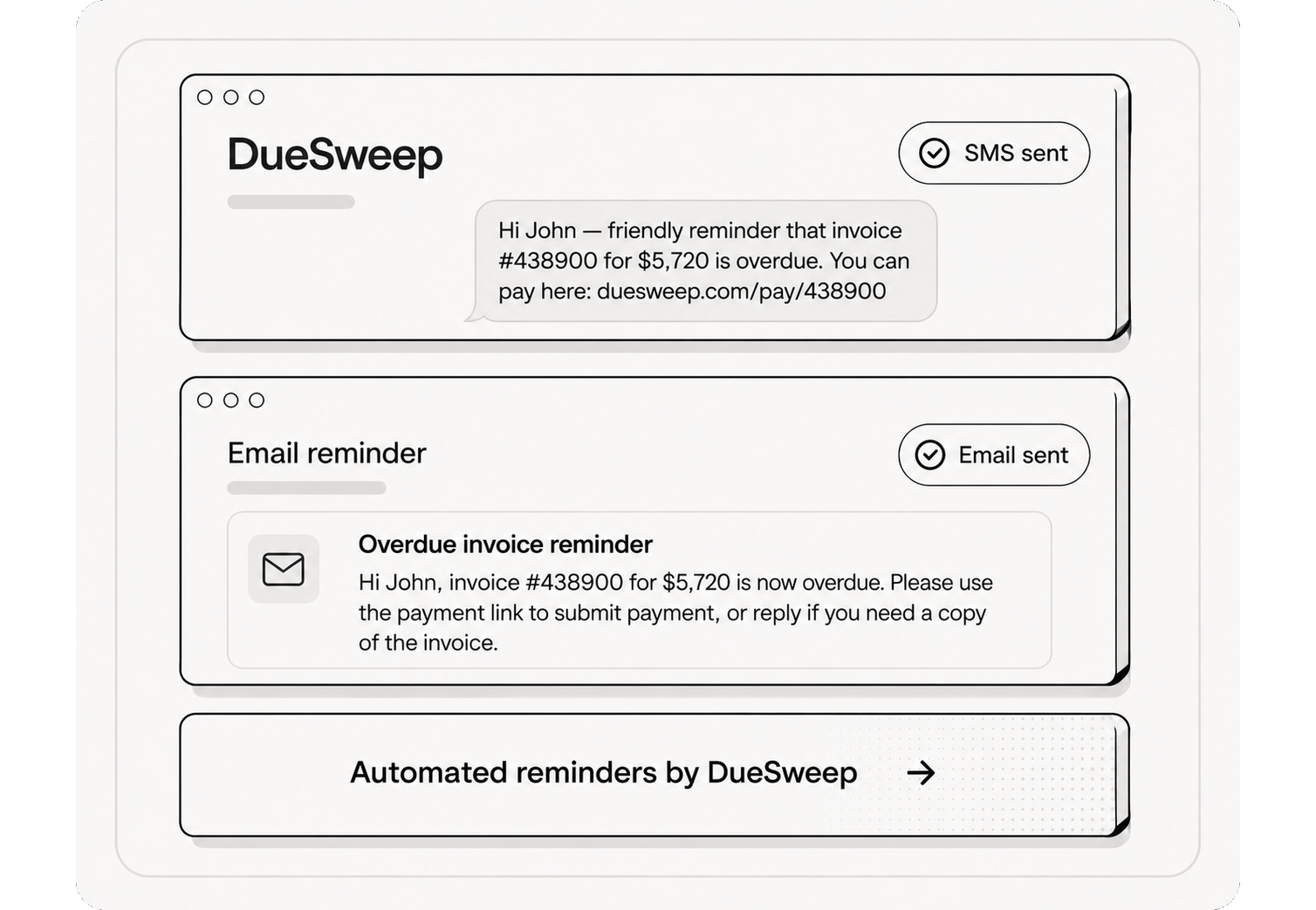
Choose when reminders go out, what they say, and whether customers receive email, text, or both. Keep every follow-up simple, consistent, and on schedule.
03
DueSweep keeps following up on unpaid accounts until they are resolved. When a payment is recorded in QuickBooks Online, the reminder workflow stops automatically.
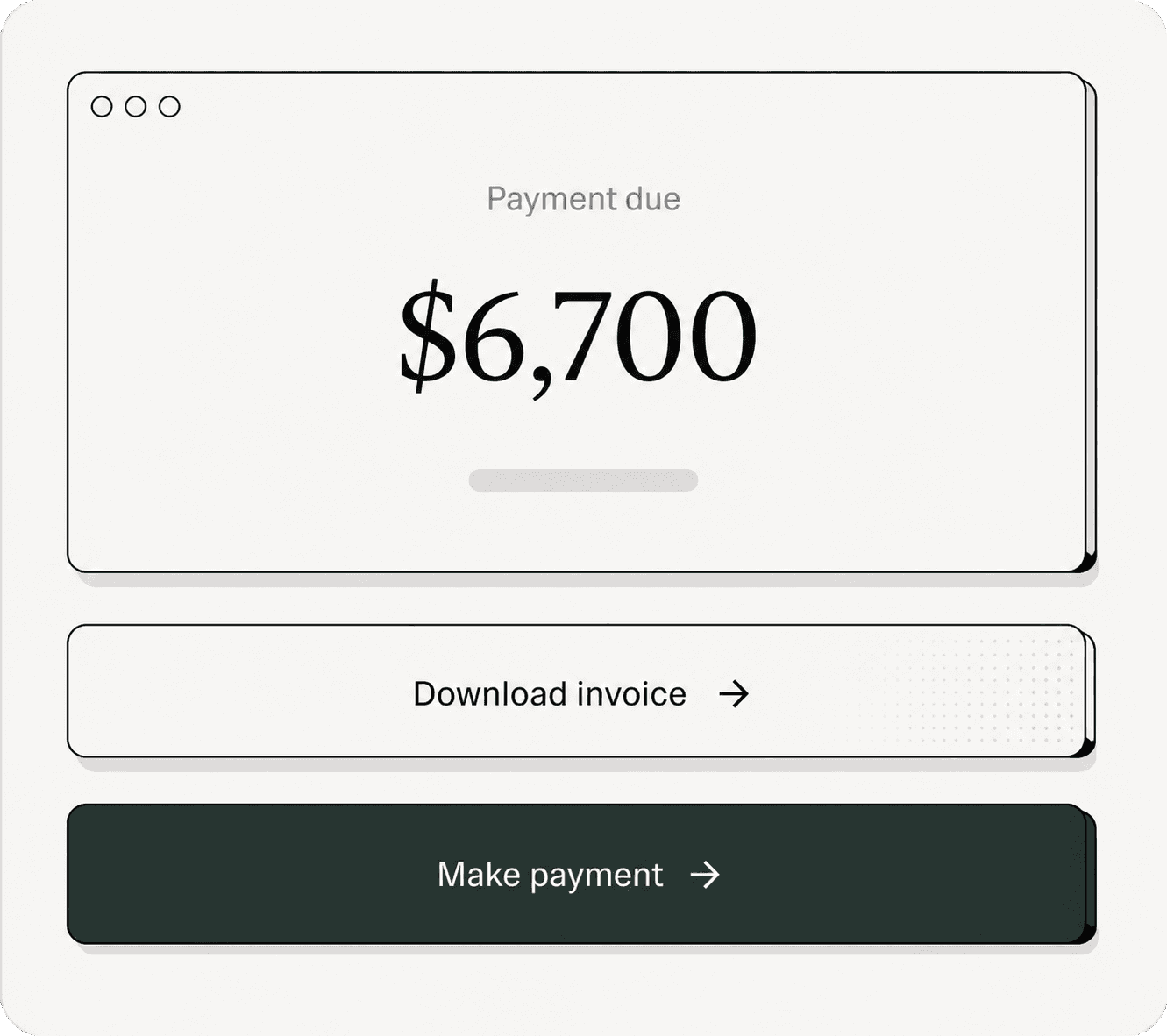
Recover overdue invoices with automatic reminders, customer roles, and QuickBooks sync.
DueSweep pulls invoices, customers, due dates, and balances from QuickBooks Online automatically.
Send the right follow-up by text, email, or both without manually checking overdue accounts.

Assign Default, Lenient, Aggressive, or No reminders rules to each customer.
See every email, SMS, pause, role change, and payment sync in one clear timeline.
Learn MoreWhen QuickBooks marks an invoice paid, DueSweep stops follow-up automatically.
Control the exact wording customers receive across friendly, firm, and final reminders.

Start with QuickBooks sync and reminder automation, then scale into team controls and higher-volume outreach when you need it.
Core overdue invoice tracking and simple reminders for small teams.
Full email and SMS automation with customer roles and editable templates.
Advanced setup, multiple users, and higher-volume automation for larger teams.
DueSweep keeps overdue accounts moving without adding another daily task to your team.
DueSweep handles the follow-up before we even open QuickBooks in the morning.

The role setup is exactly what we needed. Good customers get gentle reminders, late ones get firmer follow-up.

We stopped losing track of who was overdue. The history tab gives us a clean record of every touch.

QuickBooks stays the source of truth, and DueSweep does the reminder work around it.

SMS reminders made a real difference for customers who never answer email.

We finally have a process that runs the same way every time without someone manually nudging invoices.

Everything you need to know about QuickBooks sync, reminders, and overdue accounts.
Can't find the answer you're looking for? Our team is here to help you.
Our support team is ready to assist you.
Contact SupportNo. QuickBooks stays your source of truth. DueSweep syncs invoice status and handles follow-up around it.
You choose the schedule. Default rules can send reminders on Day 1, Day 7, Day 14, and Day 30 overdue.
Yes. Assign a customer to No reminders, pause outreach, or use a more lenient role.
Yes. You can edit the SMS and email templates customers receive.
Yes. When QuickBooks shows the invoice as paid, DueSweep stops the reminder sequence automatically.
Connect QuickBooks Online and let DueSweep follow up with the right email or text reminder.